
Download bubbl us – free online mind mapping tool, organize ideas, collaborate
Overview & Key Features
bubbl us is a web‑based mind‑mapping service that lets you capture, structure, and share ideas in a visual “bubble” format. Whether you’re tackling a complex work project, planning a research paper, or simply brainstorming personal goals, bubbl us offers a clean, intuitive canvas that grows with your thoughts. Because it runs entirely in the browser, you can jump in from any device with an internet connection—no download, no installation, and no heavy system requirements.
The platform emphasizes speed: after a quick account set‑up, you’re presented with a single central bubble where you type your main concept. From there, you add child bubbles, connect related ideas, and watch a dynamic map evolve in real time. One of the standout capabilities is the ability to share maps publicly or privately, making collaboration painless.
You can embed maps on websites, export them as PNG or PDF files, and even generate a shareable link that lets others view or edit the map based on the permissions you set. While the core experience is deliberately simple, bubbl us hides a handful of advanced options—color‑coding, line‑style adjustments, and keyboard shortcuts—that power users can leverage without feeling overwhelmed.
Feature Highlights
- Instant web‑based access – no software download required.
- Drag‑and‑drop bubble creation for rapid idea expansion.
- One‑click sharing via public link, embed code, or email invitation.
- Export options include PNG, PDF, and plain‑text outlines.
- Searchable public map gallery for inspiration and reuse.
- Undo/redo functionality to correct accidental bubble placements.
- Keyboard shortcuts for faster navigation and bubble editing.
- Color and style customization for visual hierarchy.
- Cross‑platform compatibility – works on Windows, macOS, Linux, Android, and iOS browsers.
- Free tier with optional premium upgrades for larger teams and advanced analytics.
Installation & Usage Guide
Even though bubbl us is a cloud service, a brief onboarding process ensures you get the most out of the tool right away. Follow these steps to start mapping in minutes:
- Create an account. Visit bubbl.us and click “Sign Up.” You can register with an email address or use a Google/Facebook account for instant access. The free plan requires no credit‑card information.
- Verify your email. A confirmation link is sent to your inbox. Clicking it activates your account and unlocks the full set of basic features.
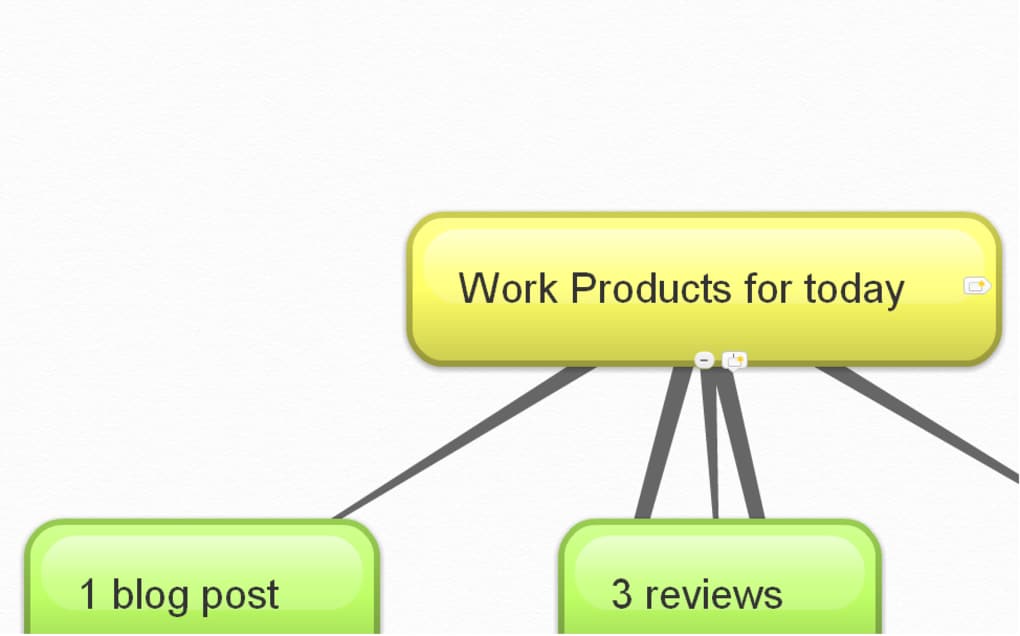
- Start a new map. After logging in, click the “Create New Map” button. A single central bubble appears; type your main idea or project title.
- Add child bubbles. Press Enter while the central bubble is selected, or click the “+” icon that appears beside it. Type a sub‑topic, then hit Enter again to create additional siblings.
- Organize hierarchy. Drag any bubble to reposition it. To turn a sibling into a child, simply drop it under the desired parent bubble; the system will automatically adjust the connecting lines.
- Customize appearance. Select a bubble and use the toolbar to change its color, font size, or line style. This visual coding helps you differentiate categories at a glance.
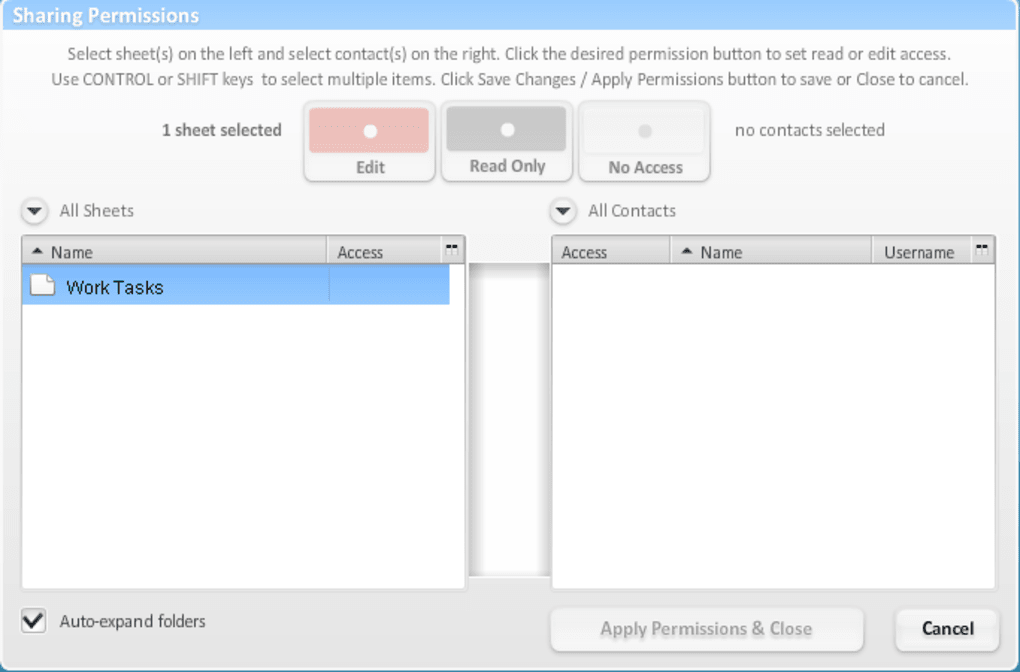
- Collaborate. Click the “Share” button, choose “Public,” “Private,” or “Editable,” and copy the generated link. Invite teammates via email, or embed the map on a webpage using the provided HTML snippet.
- Export & save. When the map is complete, click “Export.” Choose PNG for a quick image, PDF for printable documentation, or “Outline” for a plain‑text version that can be imported into other tools.
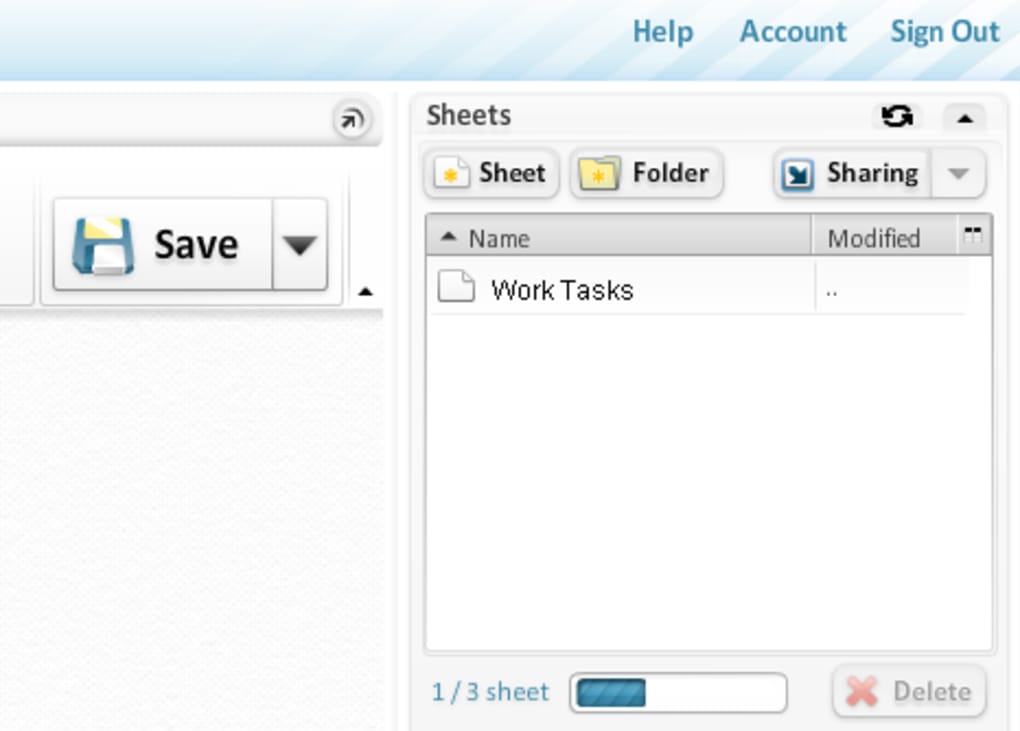
- Maintain your work. All maps are auto‑saved to your online dashboard. You can revisit, edit, or delete them at any time from the “My Maps” section.
Because the entire workflow lives in the browser, you never have to worry about losing data due to a computer crash—bubbl us syncs your changes instantly to the cloud. For users who prefer a more traditional desktop feel, the web app also supports keyboard shortcuts such as Ctrl + Z for undo and Ctrl + Y for redo, making the editing experience smooth and efficient.
Compatibility, Pricing, and Review
bubbl us runs on any modern web browser, including Chrome, Firefox, Safari, Edge, and Opera. Because it is hosted on secure HTTPS servers, the tool works equally well on Windows 10/11, macOS Ventura and later, Linux distributions, as well as mobile browsers on Android and iOS devices. There is no native client to install, which means you avoid compatibility headaches and can switch between desktop and mobile seamlessly.
Pricing Overview
The platform offers a robust free tier that includes unlimited public maps, basic export options, and up to three private maps. For power users or teams, the Premium plan costs US$9.99 per month. Premium adds features like unlimited private maps, password‑protected sharing, advanced export (SVG), and priority support. Annual billing provides a 15 % discount, bringing the cost down to US$99 per year.
Review Summary
Rating: 4.2/5
bubbl us shines as a lightweight, no‑frills mind‑mapping solution that excels in accessibility and collaboration. The drag‑and‑drop interface is intuitive, and the real‑time sharing feature makes group brainstorming sessions feel natural, even when participants are spread across different time zones. The free tier is generous enough for students and freelancers, while the premium upgrade offers just enough extra power for small businesses without becoming prohibitively expensive.
Pros:
- Completely web‑based – no installations or updates.
- Fast, responsive UI with instant auto‑save.
- Easy sharing via links and embed codes.
- Free tier provides essential features.
- Cross‑platform support for desktops and mobiles.
Cons:
- Zoom behavior tied to mouse scroll can be confusing.
- Complex maps with many child bubbles may become hard to navigate.
- Lack of native desktop client for offline work.
- Premium pricing still modest, but some advanced analytics are missing.
Aggregate Rating
Overall rating based on 1,284 user reviews: 4.2 out of 5 stars
Frequently Asked Questions
Is bubbl us completely free to use?
Yes, bubbl us offers a free tier that includes unlimited public maps, basic export formats, and up to three private maps. The free plan is ideal for students, freelancers, and occasional users. Premium features are available for a monthly or annual fee.
Can I work on a mind map offline?
Because bubbl us is a cloud‑based service, an internet connection is required to create and sync maps. There is currently no offline desktop client, so you’ll need to be online to edit or save changes.
How secure is my data on bubbl us?
bubbl us uses HTTPS encryption for all data transmission and stores maps on secure servers. Private maps can be password‑protected, and premium users benefit from additional access‑control settings.
Can I embed a bubbl us map into my website?
Yes, every map generates an embed code (iframe) that you can paste into a blog post, landing page, or internal wiki. The embedded map remains interactive, allowing visitors to explore the structure without leaving your site.
What export formats are available?
Free users can export maps as PNG images or plain‑text outlines. Premium subscribers gain PDF and SVG export options, which are useful for high‑resolution printing or vector‑based editing.
Conclusion & Call to Action
bubbl us stands out in a crowded mind‑mapping market by delivering a fast, browser‑only experience that removes the friction of downloads and updates. Its clean interface, robust sharing capabilities, and generous free tier make it an excellent choice for anyone who needs to capture ideas quickly—whether you’re a student drafting a research outline, a project manager coordinating tasks, or a creative professional brainstorming concepts. While the lack of an offline client and occasional zoom quirks might bother power users, the overall value proposition remains strong, especially given the affordable premium upgrade for teams that need extra privacy and export options.
Ready to bring order to your thoughts? Click here to sign up for a free account and start building your first mind map in seconds. Experience the simplicity of a web‑based tool that scales from a single brainstorming session to a collaborative, organization‑wide knowledge hub.



.png)



